IdeaVaultHQ AI Coworker Tutorials
How To Use Claude As An AI Coworker To Build A Digital Product Step By Step
This tutorial shows how a beginner can use Claude like an AI coworker to move from product idea to small digital product, customer instructions, listing copy, and launch checklist.
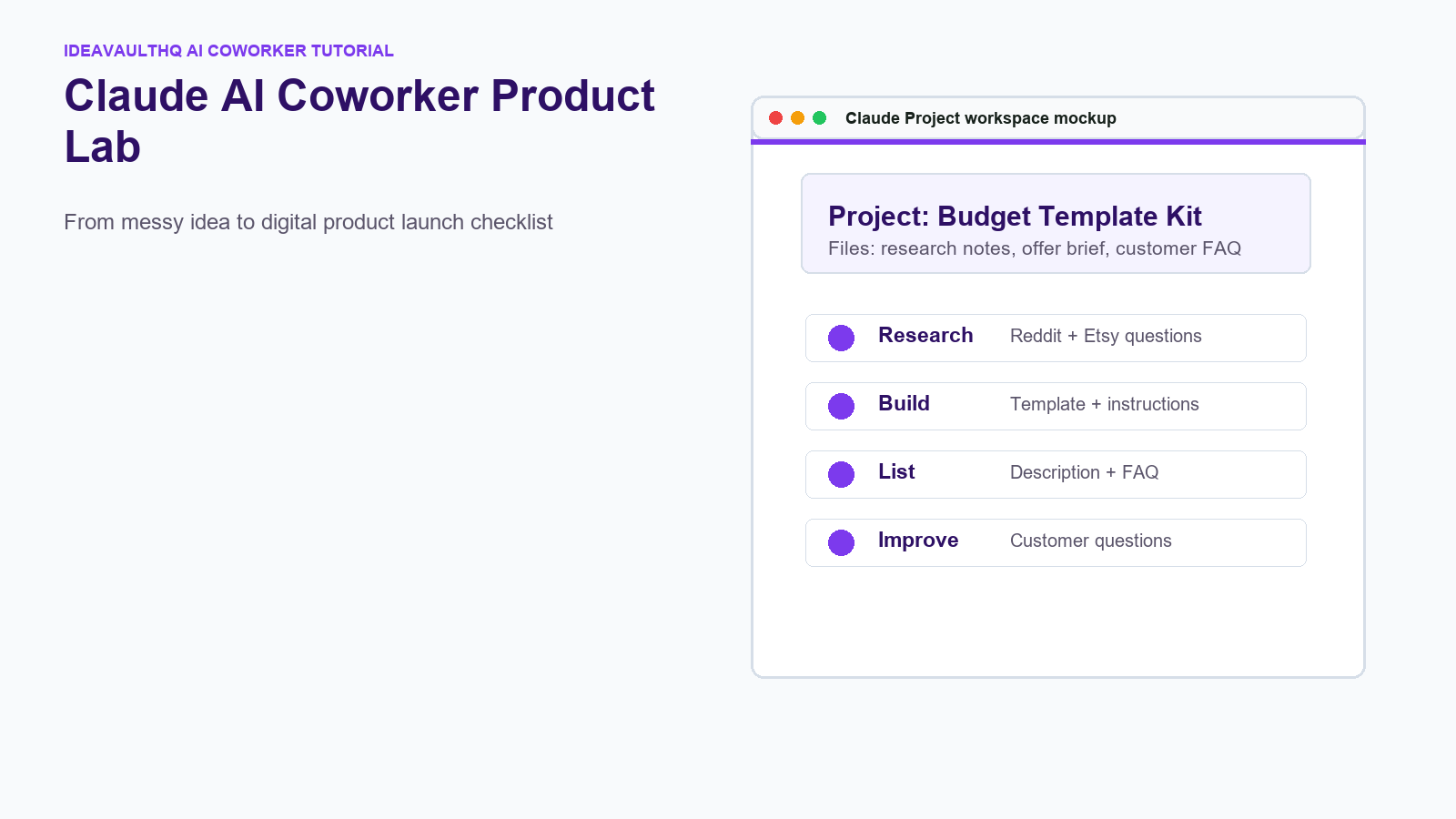
Quick answer: Use Claude as an AI coworker by giving it one clear product project, feeding it your research notes, asking it to turn repeated buyer problems into a tiny product brief, using Artifacts for calculators or checklists, using Projects to keep instructions and files organized, and using connectors where available to manage files, calendars, and customer workflows. Claude does not make money for you by itself, but it can reduce the time between idea, product, tutorial, listing, and customer support.
Claude AI Coworker Workflow
Step 1: Treat Claude Like A Coworker, Not A Magic Button
The right mindset matters. Claude can help you think, organize, draft, compare, and build, but it still needs direction. A beginner should not open Claude and type ?make me money.? That creates generic ideas. Instead, use Claude like a coworker sitting next to you. Give it the problem, the buyer, the files, the constraints, and the next decision you need help making.
For IdeaVaultHQ, the best use is turning messy questions into practical products. A Reddit thread might reveal that beginners do not know what images to put in an Etsy listing. Claude can help turn that into a checklist, a Canva instruction page, a blog tutorial, a digital download, and a customer FAQ. The money comes from solving a real problem clearly, not from the AI tool itself.
Step 2: Create One Claude Project For One Product Idea
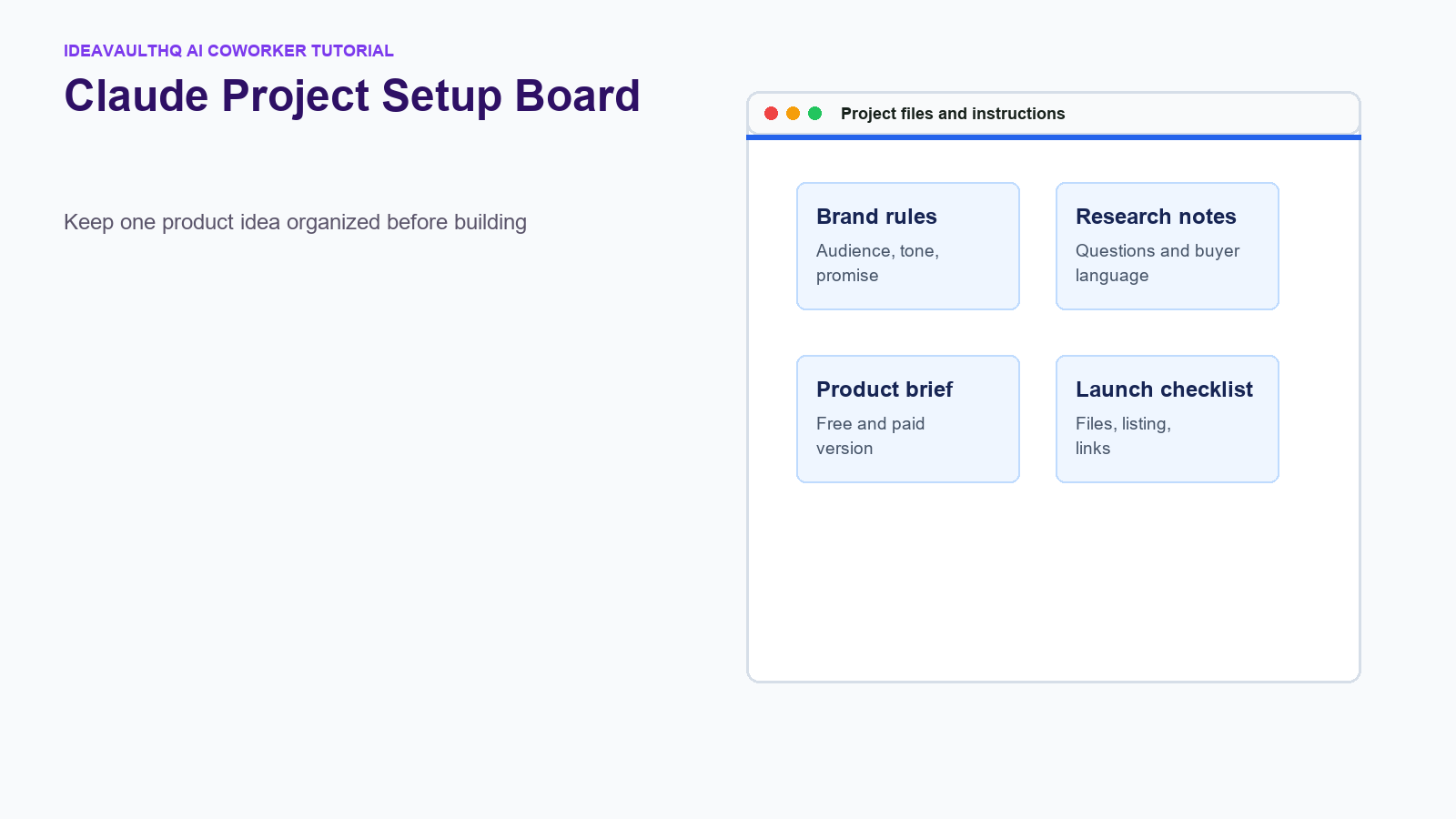
Start with one project. Name it after the product or niche, such as ?Etsy Listing Image Checklist? or ?Biweekly Budget Planner Template.? In the project instructions, write the audience, tone, product promise, and rules. Example: ?Audience is beginners. Tone is plain and practical. Avoid income promises. Create steps someone can follow today.?
This project becomes the memory container for the product. Add your research notes, competitor observations, customer questions, rough outline, pricing ideas, and brand language. The point is to stop starting over every time you ask Claude for help. A project gives the AI context so the answers become more specific.
Step 3: Add Real Research Notes Before Asking For Product Ideas
Claude is strongest when it has real material to organize. Paste in Reddit questions, Etsy search observations, customer comments, or your own notes. Do not ask it to invent demand from nothing. Ask it to group repeated questions, name the buyer problem, and suggest a tiny first product that answers one pain point.
A useful prompt is: ?Here are ten questions people asked about Etsy listing images. Group the problems, identify the repeated beginner confusion, and suggest one small digital product I could create to help.? That prompt gives Claude something to reason over. It also keeps the product grounded in real demand instead of trend-chasing.
Step 4: Turn The Research Into A Product Brief
Ask Claude for a one-page product brief. The brief should include buyer, problem, promised outcome, product format, free version, paid version, pages or files included, delivery method, and what not to promise. This brief is the bridge between idea and build.
For example, if the buyer problem is ?I do not know what images to put on Etsy,? the free version might be a one-page checklist. The paid version might be a Canva listing image planner with five editable pages, examples, and export instructions. Claude can help you outline both versions so you do not overbuild.
Step 5: Use Claude Artifacts For Small Tools And Product Helpers
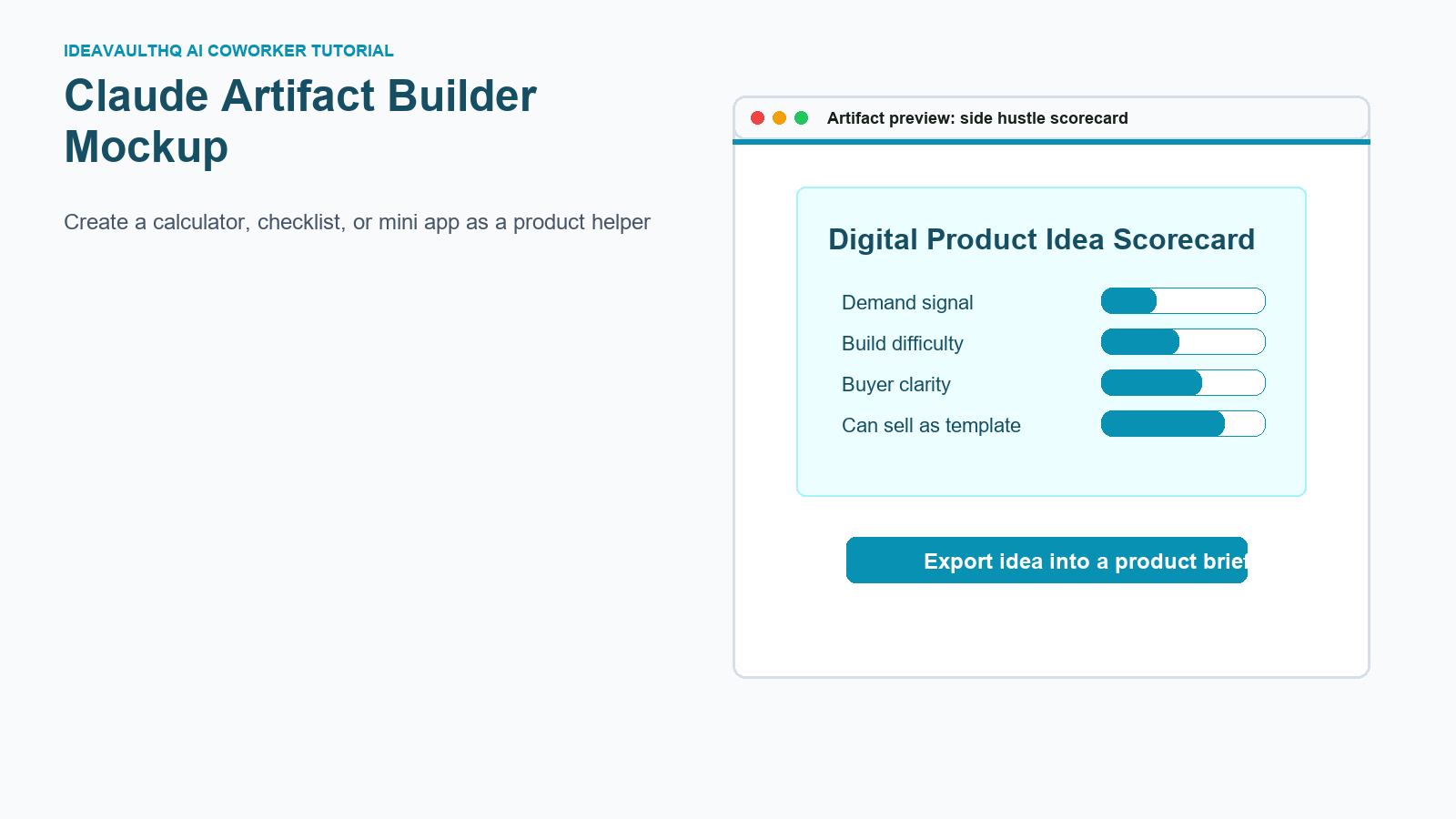
Artifacts are useful when the product needs a visual or interactive piece. Claude can help create simple calculators, scorecards, dashboards, checklists, and mini apps. For a side hustler, this can become a free lead magnet, a product planning tool, or a bonus that makes a template more useful.
Examples include an Etsy product idea scorecard, a side hustle net profit calculator, a digital product launch checklist, a weekly content planner, or a template pricing calculator. The artifact does not need to be fancy. It needs to help someone make a decision or complete a step.
Step 6: Use Claude To Write Customer Instructions
Many digital products fail because the product is decent but the customer instructions are weak. Claude can help write plain-English instructions: how to open the file, how to make a copy, how to edit the template, how to export it, what tools are needed, and what to do if something does not work.
Ask Claude to write instructions for a complete beginner. Then ask it to identify where a customer might get confused. Finally, ask it to create an FAQ. This is not busywork. Clear instructions reduce refunds, support messages, and bad first impressions.
Step 7: Use Claude To Draft Listing Copy Without Sounding Generic
Claude can draft Etsy, Gumroad, Payhip, or website listing copy, but you need to give it the product brief first. Ask for a title, short description, what is included, who it is for, how it works, file details, and FAQ. Then edit it so it sounds like your site and your actual product.
Do not let Claude write hype. Remove income promises, fake urgency, and broad claims. A good listing says exactly what the buyer receives and how it helps. Specific copy beats loud copy.
Step 8: Use Connectors To Organize The Workflow
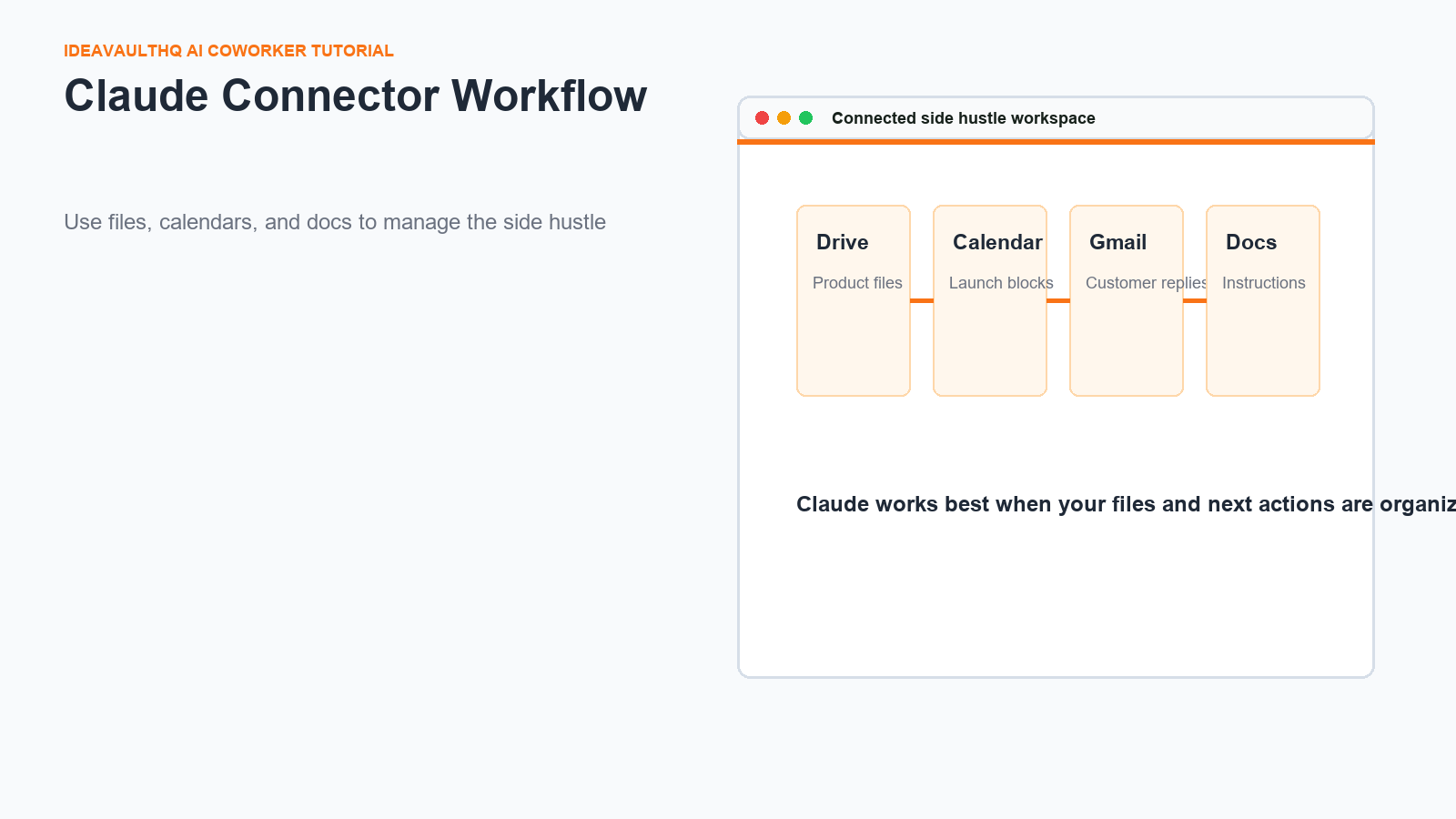
Claude connectors can help connect work across tools depending on your plan and what is available in your account. Useful side-hustle connections include Google Drive for files, Gmail for customer messages, Calendar for launch blocks, GitHub for code-based tools, and project tools for tasks. Availability can vary, so treat connectors as helpful workflow support rather than the whole business.
The practical setup is simple: store product files in one folder, keep launch dates on a calendar, save customer questions, and turn repeated questions into product improvements. Claude can help summarize, draft, and organize when it can access the right context.
Step 9: Build A Free Version And A Paid Version
Claude can help split one idea into two versions. The free version should solve a small part of the problem. The paid version should save more time, include editable files, provide examples, or make the workflow easier. This is better than hiding all value behind a paywall.
For example, the free version might be a blog tutorial and one-page checklist. The paid version might be editable Canva pages, a customer PDF, examples, and a launch tracker. Claude can help map the difference so the upgrade feels fair and clear.
Step 10: Create A Launch Checklist
Before publishing, ask Claude for a launch checklist. Include product file, instruction PDF, preview images, title, description, tags, price, FAQ, test download, internal links, and customer support email. Then check each item manually. Claude can help generate the list, but you still need to test the files yourself.
A launch checklist is one of the easiest ways to avoid beginner mistakes. It prevents missing links, unclear files, weak descriptions, and forgotten screenshots.
Step 11: Improve The Product From Questions
After launch, save every customer question and every public comment. Ask Claude to group the questions by confusion type: file access, editing, pricing, use case, missing example, or unclear promise. Then update the product or listing based on the pattern.
This is where Claude becomes a true coworker. It helps turn support messages into product improvements. A question can become a new FAQ, a new tutorial section, a new template page, or a better product image.
Step 12: Know What Claude Should Not Do
Claude should not copy other sellers, promise guaranteed income, invent fake results, or replace your judgment. It should not make legal, tax, or platform policy decisions for you without checking current sources. Use it to organize and draft, then verify anything important.
The safest rule is simple: Claude helps you move faster, but you own the product quality. Your taste, honesty, and understanding of the buyer still matter.
Step 13: Turn The Workflow Into A Repeatable Side Hustle System
Once you finish one product, save the workflow. Keep the project instructions, prompts, launch checklist, FAQ format, and file structure. The next product becomes faster because you are not starting from nothing. This is how one tutorial becomes a system.
For IdeaVaultHQ readers, the goal is not to worship a tool. The goal is to build a repeatable path: find a real problem, make a tiny product, explain it clearly, publish it, and improve it from feedback. Claude can sit beside that process as an AI coworker.
Step 14: Build A Product Folder Before You Build The Product
Before you ask Claude to draft pages or files, create a simple product folder. Use folders such as research, product files, listing images, customer download, and support notes. This sounds basic, but it gives Claude and you a cleaner way to think. A digital product side hustle becomes messy fast when screenshots, PDFs, Canva exports, prompts, and draft descriptions are scattered across downloads and random chats.
Inside the research folder, save the questions that created the product idea. Inside product files, save the template, checklist, spreadsheet, or artifact export. Inside customer download, save the final file a buyer receives. Inside support notes, save every question someone asks after seeing or using the product. This organization lets Claude help you improve the product later because the context is grouped around the real workflow.
If you use a connector such as Google Drive, this folder structure becomes even more useful. Claude can help summarize what is in the folder, draft missing instructions, or compare the customer FAQ against the actual files. If you do not use connectors, the same folder structure still helps because you can paste the relevant notes into Claude without confusion.
Step 15: Use Claude To Create A Customer Experience Map
A product is not only the file. It is the full experience from first click to successful use. Ask Claude to map the customer journey: how the buyer finds the product, what they see first, what they receive after purchase, what they open first, what might confuse them, and what support question they may ask. This helps you spot weak points before a real buyer gets stuck.
For example, a Canva template may need a PDF with the template link, screenshots showing where to click, a note about needing a free Canva account, and export instructions. A Google Sheets template may need a copy link, a warning not to edit formulas without making a backup, and a quick start tab. Claude can help list these details, but you should test every step yourself.
The customer experience map is also a content engine. Each confusing step can become a tutorial. Each repeated support question can become an FAQ. Each missing screenshot can become a better product image. This is how one product turns into a full IdeaVaultHQ content cluster.
Step 16: Ask Claude For Variations Without Losing The Original Angle
Once you have one product brief, ask Claude for variations. Do not ask for random ideas. Ask for versions based on audience, format, difficulty, or use case. A budget planner can become a paycheck planner, a student budget planner, a debt payoff tracker, or a small business expense tracker. A listing image checklist can become a Canva template, a PDF worksheet, a mini-course outline, or an interactive artifact.
The danger is becoming generic. Every variation should still solve a specific problem. Ask Claude to explain what changes for the buyer, what stays the same, and what should not be reused. This prevents you from spinning the same product into thin copies. Original variation is useful; lazy duplication is not.
This is especially important if you are publishing tutorials. Google and readers can tell when pages are only slight rewrites. A useful variation has different examples, different steps, different visuals, and a different buyer situation.
Step 17: Build A Repeatable Prompt Library
Save your best prompts. Create prompts for research, product briefs, customer instructions, listing descriptions, FAQ creation, product improvement, and tutorial outlines. A prompt library turns Claude from a random chat tool into a repeatable coworker system.
For each prompt, include placeholders: product idea, audience, research notes, platform, files included, and rules. The rules matter. Tell Claude not to copy competitors, not to promise income, not to use hype, and to write for beginners. The more consistent your prompt library is, the more consistent your products and tutorials become.
Over time, this prompt library itself can become a digital product or free resource. But first, use it internally. Let real work improve the prompts before packaging them for anyone else.
Step 18: Decide Which Claude Output Becomes A Product, A Tutorial, Or A Freebie
Not every Claude output should become a paid product. Some outputs are better as blog tutorials, free checklists, email freebies, or internal notes. A paid product should save enough time or confusion that someone would be happy they bought it. A freebie should help someone take the first step. A tutorial should teach the process in public and build trust.
Use this rule: if the output is mostly explanation, make it a tutorial. If it is a short tool someone can use immediately, make it a freebie. If it is polished, editable, complete, and saves real time, consider making it a paid product. Claude can help draft all three, but the decision should come from the buyer’s need.
This keeps the business honest. You are not trying to sell every document Claude helps create. You are building a helpful system where free content, useful tools, and paid products support each other.
Beginner Checklist
- Create one Claude Project for one product.
- Add real research notes before asking for ideas.
- Ask for a product brief, not a vague business plan.
- Create a free version and a paid version.
- Use Artifacts for scorecards, calculators, or checklists.
- Write customer instructions and FAQs.
- Use connectors only where they truly help organize files or tasks.
- Improve the product from real questions.
Best Claude Uses For Side Hustlers
| Use | What Claude Helps With | Product Example |
|---|---|---|
| Template creation | Page outlines, instructions, examples | Canva planner or checklist |
| Artifacts | Mini tools and scorecards | Idea validator or profit calculator |
| Projects | Keeping research and rules together | One product workspace |
| Connectors | Files, calendar, email, tasks | Launch workflow |
| Customer support | FAQ and reply drafts | Digital download help page |
Copy-Paste Claude Prompt
You are my AI coworker for building one beginner-friendly digital product.

Product idea: [describe idea]
Audience: [describe beginner buyer]
Research notes: [paste Reddit, Etsy, Google, or customer questions]

Help me create:
1. The repeated buyer problem
2. A tiny free version
3. A paid version
4. A product brief
5. Pages or files included
6. Customer instructions
7. Listing description
8. FAQ
9. Launch checklist
10. Improvements to make after customer questions

Rules:
- Do not copy competitors.
- Do not promise income.
- Keep the product specific and beginner-friendly.
- Make every step practical.
Current Sources Checked For This Tutorial
Continue Learning On IdeaVaultHQ
This guide is part of the IdeaVaultHQ AI Coworker and Template School path.
Success Diagram For This Idea
This is the practical path from reading How To Use Claude As An AI Coworker To Build A Digital Product Step By Step to turning the idea into a small testable offer.
Leave a Reply