Realistic Low-Cost Ways to Make Money Online: A Beginner’s Step-by-Step Plan
Many beginners come to the idea of making money online hoping for fast riches or a magic formula that works without effort. The truth is, earning consistent income online takes time, experimentation, and practical steps—even more so if you want to keep startup costs low. This guide answers the common beginner search intent: “How can I realistically start making money online with little to no investment?” We’ll walk through low-cost ideas tailored for newcomers, explain who each method fits best, why people pay for these services or products, and how to steadily build from zero to your first $5 per day in realistic timeframes.
Who Is This Guide For?
- Absolute beginners who don’t want to dump hundreds of dollars upfront
- People looking for side hustles that can eventually scale
- Anyone who wants honest, practical advice without hype or promises of quick wealth
- Those willing to invest time but little money
Why Do People Pay for Services or Products Online?

Understanding why your future customers spend money will help you figure out suitable online ideas:
- Convenience and time savings: They want someone to do a task they dislike or don’t have time for.
- Expertise: They pay for specialized skills they don’t have (graphic design, writing, tutoring).
- Personalization: Customized advice, coaching, or products tailored to their needs.
- Access to digital products or information: Learning courses, templates, tutorials.
Five Low-Cost Realistic Online Money-Making Ideas for Beginners
Each idea below includes a brief description, who it’s for, startup considerations, and first steps.
1. Freelance Microservices on Platforms like Fiverr or Upwork
What it is: Offer simple services (writing short articles, designing logos, social media posts, voiceovers) at affordable prices.
Who it’s for: Beginners with a small skill set or willingness to learn a new skill quickly.
Why people pay: Access to affordable, quick tasks done by freelancers without hiring a full-time employee.
Starting with low or no money: Set up your profile for free, use free tools (Canva for design, Grammarly for writing).
First steps: Identify 2–3 simple services you can offer, create gig descriptions explaining exactly what you’ll deliver, and build a portfolio with free samples or mockups.
2. Print-On-Demand Products
What it is: You design graphics for t-shirts, mugs, or phone cases and sell them via platforms that print and ship orders (Printful, Teespring) — no upfront inventory needed.
Who it’s for: Creative individuals or those willing to learn basic graphic design; also great if you enjoy niche hobbies.
Why people pay: Unique designs tied to their interests or communities, without pre-paying for stock or waiting on production.
Starting low-cost: Use free graphic tools plus free print-on-demand accounts, promoting through social media or niche forums organically.
First steps: Pick a niche you know well, create a few designs, connect your store to a print-on-demand provider, and promote your products.
3. Affiliate Marketing Through a Niche Blog or Social Media
What it is: Recommend products or services and earn commissions on sales generated through your links.
Who it’s for: Those interested in writing, content creation, or social engagement around a specific topic.
Why people pay: Affiliates provide trusted reviews and recommendations; companies want exposure and sales.
Starting cheap: Start a free or low-cost WordPress blog or Instagram page; focus on useful content, SEO basics, and genuine recommendations.
First steps: Choose a niche with affiliate programs, join networks like Amazon Associates or ShareASale, and begin publishing helpful articles or posts.
4. Virtual Assistance With Simple Admin Tasks
What it is: Perform basic online assistance like email triage, scheduling, data entry, social media management.
Who it’s for: Organized beginners who communicate well and can learn basic software tools.
Why people pay: Outsourcing simple recurring tasks saves time for business owners and freelancers.
Starting with little money: Use free tools like Google Workspace; create profiles on freelancer sites or network within communities.
First steps: List your skills clearly, set low starting rates, and take small projects to build experience and reviews.
5. Selling Digital Products Like Ebooks or Templates
What it is: Create guides, planners, or templates and sell them on marketplaces or your website.
Who it’s for: People who can package knowledge or designs into digital form.
Why people pay: Value from easy-to-use resources that save time or educate.
Starting cheaply: Write in Google Docs or Canva, use free hosting platforms like Gumroad’s free plan.
First steps: Pick a simple topic, create a basic product, and share it through social media or email lists.
How to Start With Little or No Money
- Use free tiers of online tools: Canva, Grammarly, Google Workspace, WordPress.com, etc.
- Leverage existing skills: Pick ideas that match your current abilities to avoid costly courses.
- Start small and test: Offer services at beginner-friendly rates.
- Focus on organic promotion: Use SEO, forums, social media groups rather than paid ads.
How to Turn Your Side Hustle Into a Repeatable System

- Create a workflow: List step-by-step actions you take each time (finding gigs, creating products, promoting).
- Automate repetitive tasks: Use tools like scheduling apps (Buffer, Later), templates, email autoresponders.
- Outsource when affordably sensible: Delegate simple parts to others via Fiverr or Upwork to focus on growth.
- Track your time and earnings: Be realistic about what pays off, refine your approach.
First $5/Day Plan
A simple, practical example based on offering freelance microservices:
- Choose two services you can confidently deliver (e.g., 500-word articles, basic logo design).
- Set each gig at $5 or $10 per order.
- Promote organically in social media groups or relevant forums.
- Complete 1 order per day to make $5 – $10.
- After two weeks, ask satisfied clients for referrals or reviews.
- Increase prices gradually based on demand and reviews.
Risks and Warnings
- No guaranteed income: Your results depend on effort, niche demand, and consistency.
- Watch out for scams: Avoid offers requiring upfront fees for “get rich quick” schemes.
- Protect your time: Do not overcommit; set boundaries to avoid burnout.
- Data privacy: Keep your personal and payment data secure.
Organic Traffic and Search Engine Optimization (SEO) Angle
If your chosen idea involves building content (blog, social posts), focus on these basics:
- Use keywords beginners are searching for (Google’s Keyword Planner or free tools like Ubersuggest can help).
- Create useful, clear content that answers your target audience’s questions.
- Get backlinks by guest posting or networking in niche communities.
- Be patient—organic traffic takes time but costs little and builds authority.
Next Steps Checklist
- Pick one low-cost idea from above.
- Create a free account/profile on a relevant platform.
- List your initial services or products clearly.
- Prepare 2–3 samples or portfolio items.
- Set realistic pricing for your first offers.
- Join related social media groups and start sharing your offerings genuinely.
- Track responses, complete orders diligently, and request feedback.
- Adjust your approach based on what works.
- Set up at least one automation tool to save time.
- Keep learning from free online resources about your side hustle area.
Setting Up Your WordPress Site Step-by-Step: A Beginner’s Guide to Get Started Today
Starting a WordPress side hustle might feel overwhelming at first, especially if you’re new to website building or online business. But the great news is that WordPress is one of the most beginner-friendly platforms out there, designed to help you get up and running quickly without needing advanced technical skills. In this section, we will walk you through a practical, step-by-step beginner setup plan so you can launch your side hustle site confidently and efficiently.
1. Choose Your Niche and Domain Name
Before diving into all the technical steps, pause and spend some time deciding on your niche. Since you’re building a side hustle, pick a niche that you’re either passionate about or where you’ve identified a real demand. For example, if you love fitness, you might create a blog, coaching site, or product review page around workout gear or healthy living. This will guide all your future choices and content creation.
Once you’ve settled on your niche, pick a domain name that reflects your side hustle’s brand—something easy to remember, spell, and ideally includes a keyword from your niche. Use domain registrars like Namecheap or GoDaddy to check availability and buy your chosen domain, often for under $15 per year.
2. Select a Reliable Hosting Provider
Your website needs a home—a hosting service where all your files will live so visitors can access your content around the clock. For beginners, affordable and beginner-friendly hosting providers such as Bluehost, SiteGround, or DreamHost offer one-click WordPress installation and excellent customer support. Many of these companies also include a free domain registration with hosting purchase, simplifying your setup.
Start with a basic shared hosting plan to keep costs low while you’re establishing your site. You can always upgrade later once your side hustle takes off and starts attracting more visitors.
3. Install WordPress and Choose Your Theme
After purchasing hosting, most providers enable you to install WordPress with just a few clicks through their control panel. This automatic installation handles all the technical work for you—no coding necessary. Once installed, log in to your WordPress dashboard by going to yourdomain.com/wp-admin and entering your credentials.
Choosing the right theme (your website’s design template) is crucial because it impacts user experience and how professional your site looks. For beginners, the official WordPress theme repository has thousands of free themes that are responsive (work on mobile), customizable, and suitable for various niches. Popular beginner-friendly themes include Astra, GeneratePress, and OceanWP.
Install your chosen theme through the Appearance > Themes section in the dashboard and customize the colors, fonts, and layout to match your brand identity using the built-in WordPress Customizer.
4. Add Essential Plugins to Boost Functionality
Plugins extend WordPress’s capabilities, allowing you to add contact forms, improve SEO, speed up your site, and more without coding. For a beginner setup, some essential plugins to install include:
- Yoast SEO: Helps optimize your content for search engines, improving your chances of ranking higher in Google.
- Contact Form 7: Enables visitors to easily get in touch with you through a customizable contact form.
- WP Super Cache or W3 Total Cache: Improves your site speed by caching pages, which is critical for user experience and SEO.
- UpdraftPlus: Regular backups are vital—this plugin automates backing up your site so you never lose your work.
Install these plugins via the Plugins > Add New menu and activate them. Most have straightforward settings to guide you through configuration.
5. Create Core Pages and Write Your First Content
Every website needs a few essential pages that help visitors get to know you and navigate your side hustle easily. Start by creating a simple Home page that welcomes visitors and clearly states what your site is about. Add an About page to share your background and mission, and a Contact page so users can reach out.
Once your pages are set, begin creating blog posts, product reviews, tutorials, or whatever content aligns with your niche and business model. Aim for helpful, engaging, and informative content that solves your audience’s problems or interests—this builds trust and encourages repeat visits.
6. Set Up Google Analytics and Submit Your Site to Search Engines
To grow your side hustle, you’ll want to track your visitors and understand how people find and use your site. Google Analytics is a free, powerful tool that offers these insights. Sign up for a Google Analytics account and use a plugin like “MonsterInsights” or “Site Kit by Google” to integrate it with your WordPress site easily.
Also, submit your sitemap to Google Search Console to help your site get indexed faster and monitor for potential issues. This step is crucial for SEO and increasing organic traffic over time.
7. Plan Your Next Steps and Keep Learning
Once your WordPress site is live, the journey of your side hustle truly begins. Consistently create content, engage with your audience via comments or social media, and optimize your site based on traffic data. Keep experimenting with different types of posts, offers, and marketing strategies to find what works best.
Lastly, don’t hesitate to leverage free resources and tutorials available online. The WordPress community is vast and supportive, with endless guides, forums, and courses tailored for beginners.
By following these practical setup steps, you transform a daunting project into manageable, actionable pieces that quickly bring your side hustle vision online. Remember, every successful online entrepreneur started somewhere—your WordPress site is your empowered first step toward creating a profitable, flexible income stream.
How to Get Started Today
Choose the freelancing microservices idea if you want the fastest route with minimal up-front. Spend one hour today creating your Fiverr or Upwork profile, pick 2–3 gigs you can confidently deliver, and write clear service descriptions. Start telling your friends and posting in community groups organically.
If you prefer a creative product, open a free Printful or Teespring account and experiment with creating three niche designs with Canva. Share those designs on your social channels this week.
Supporting Images



Copy-Paste ChatGPT Prompt to Automate Research and Outreach
"I'm starting a low-cost online freelance microservices business. Please help me:
1. Generate 5 clear, beginner-friendly gig descriptions for simple graphic design tasks.
2. Outline a 7-day organic promotion plan to reach potential clients in social media groups.
3. Create a polite, customizable cold message template to pitch my services to small businesses.
4. Provide tips on automating order delivery follow-ups and requesting reviews.

Please respond clearly with numbered lists and practical advice."Continue Learning On IdeaVaultHQ
This guide is part of the IdeaVaultHQ Template School path. Use the links below to keep moving instead of stopping on one article.
Success Diagram For This Idea
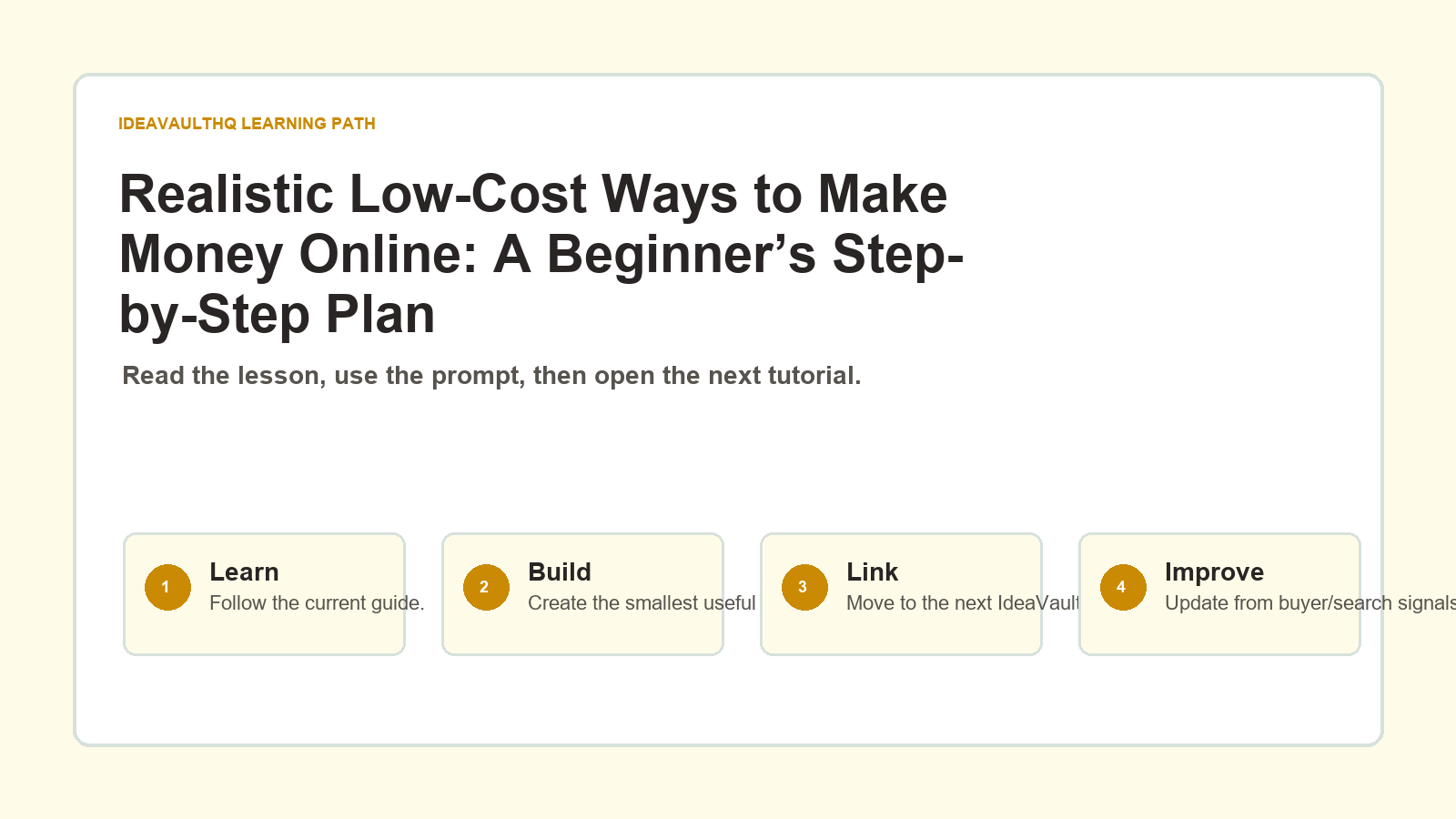
This is the practical path from reading Realistic Low-Cost Ways to Make Money Online: A Beginner’s Step-by-Step Plan to turning the idea into a small testable offer.
Leave a Reply