Introduction: Making Your First $5 Online Creating Digital Products with ChatGPT
If you’re a complete beginner hoping to make a little money online, creating a $5 digital product might sound ideal — low-risk, no inventory, and something you can build from home. But how do you realistically start this with almost no money and zero audience? Enter ChatGPT, the AI writing assistant that can help you quickly generate ideas, content, and templates to sell.
This guide is designed for beginners who want a simple, practical side hustle to jumpstart earning online. We’ll cover why digital products work, how to pick the right type of product, and how to automate much of the work so you can focus on selling. This isn’t get-rich-quick hype, but a real, doable plan to build a $5 digital product using ChatGPT, even if you’re starting from scratch.
Throughout, we’ll use a consistent example: creating a set of printable meal planners to sell on Etsy or Gumroad, which you can start building today. Ready? Let’s dive in.
Why People Pay for Simple Digital Products: Understanding Your Customer’s Needs
People buy digital products for convenience, solutions, or inspiration. A $5 price point signals a small commitment — perfect for budget-conscious shoppers or impulse buys. Popular types include planners, templates, checklists, mini eBooks, or worksheets.
Why would someone pay $5 for a meal planner?
- Time-saving: It simplifies weekly meal planning.
- Presentation: Professionally designed printables look nicer than random notes.
- Motivation: Having a set plan reduces stress and food waste.
As a beginner, focus on practical products that solve a problem or improve daily life. Sell the ease and focus it brings more than just a file.
How to Get Started With Little or No Money Using ChatGPT and Free Tools
The best part: you don’t need upfront cash for design software or hiring help. Here’s how to start:
- Use ChatGPT: Generate product ideas, names, descriptions, even content outlines.
- Free design tools: Canva offers a free tier perfect for designing printable planners or templates.
- Free marketplaces: Etsy allows you to open a shop with minimal upfront fees or sell on Gumroad with no monthly fees.
For example, ask ChatGPT to create a “7-day meal planner template” outline, then design the pages on Canva’s free plan. Simply export as PDF and upload. You’ve made a product.
No graphic or writing expertise needed — ChatGPT + Canva covers most needs.
The Step-by-Step Plan to Create Your First $5 Digital Product With ChatGPT
Here’s a breakdown of building that printable meal planner from scratch:
- Research a niche: Use ChatGPT to suggest niches (e.g., meal prep for beginners, vegan meal planners).
- Create content: Prompt ChatGPT to write planner headings like “Weekly Meals,” “Shopping List,” “Notes.”
- Design: Use Canva templates, drop in text and style it simply and cleanly.
- Write sales copy: Let ChatGPT draft product descriptions focusing on benefits and ease.
- Set up shop: Open an Etsy or Gumroad account and upload your file.
- Price low: Keep the price at $5 to encourage impulse buys.
- Promote organically: Use Pinterest or Instagram by posting images of your planner in use.
Taking small daily steps makes this manageable alongside a job search or busy schedule.
Automating Product Creation and Outreach for Repeated Sales
Once you master one product, scale by automating parts:
- Batch content generation: Use ChatGPT to outline several planner types in one session.
- Template duplication: Create a master Canva file, swap out text and colors quickly.
- Scheduling promotion: Use free tools like Buffer or Later to schedule social media posts ahead.
- Email outreach: If you gather emails, automate welcome sequences offering discounts or new products.
This creates a semi-passive system where initial work brings ongoing results, freeing up your time.
Choosing the Right Platforms to Sell Your $5 Digital Product
There are many marketplaces, but for beginners:
- Etsy: Popular for printables, easy to set up, but charges listing and transaction fees.
- Gumroad: Simple for digital downloads, no monthly fees, higher per-transaction cuts.
- Self-hosting: Advanced, requires website and payment processor setup.
Start with Etsy or Gumroad — they handle payment, delivery, and customer support basics. Later, you can set up your own shop to keep more profits.
How to Drive Organic Traffic Without an Audience or Ads
Paid ads are risky and costly for beginners. Instead, focus on organic strategies:
- Pinterest: The ideal platform for planners. Create pins showing your planner in use, link back to your product page.
- SEO: Use clear keywords in product titles and descriptions — e.g., “Printable Weekly Meal Planner PDF.”
- Instagram or TikTok: Share real-life usage, meal prep tips, and behind-the-scenes creation to build interest.
- Build email list: Offer a free one-page sample planner in exchange for emails; promote your paid products to that list.
Organic marketing takes time but has no direct costs and builds lasting visibility.
Risks and Realistic Expectations About Digital Product Side Hustles
No income is guaranteed. Challenges include:
- Competition: Many sellers offer planners. Differentiation matters.
- Time investment: Designing, marketing, and customer service require sustained effort.
- Price sensitivity: $5 products have thin margins after platform fees.
- Slow growth: Typically you earn cents at first, scaling takes weeks or months.
View this as skill-building and a foundation for higher-value products later. Keep learning and adjusting.
Next Steps: From Your First Product to a Repeatable $5 Sale System
After launching your first planner:
- Track sales and customer feedback.
- Iterate designs based on what resonates.
- Create variations (holiday themes, diet-specific planners).
- Build simple bundles to upsell.
- Expand social media presence consistently with useful tips.
- Automate as much as possible with ChatGPT and scheduling tools.
The goal is to create a small portfolio of $5 digital products selling steadily with minimal hands-on daily effort.
Why Creating and Selling ChatGPT Prompt Packs and Templates Is the Perfect Side Hustle for 2026
Amid the ongoing rise of AI-powered tools, one side hustle stands out for its simplicity, scalability, and alignment with today’s digital trends: creating and selling ChatGPT prompt packs and customizable templates. But what exactly does this side hustle entail, and why is it such a great fit for the current market landscape? Let’s dive into the details.
At its core, this side hustle involves developing collections of well-crafted, ready-to-use prompts and adaptable templates designed for ChatGPT users—whether they’re freelancers, business owners, marketers, educators, or everyday people wanting to leverage AI with less friction. These prompt packs can range from business email generators and content creation aids to personalized coaching tools or productivity boosters. Templates might include editable spreadsheets, planning calendars, or specialized documents enhanced with AI prompt integrations. The key is to package these resources in a way that saves buyers time and effort while boosting the quality and creativity of their AI interactions.
Why does this side hustle resonate so strongly right now? First, the AI boom has led to an explosion of ChatGPT users—many are beginners overwhelmed by the challenge of crafting effective prompts. A thoughtfully created prompt pack lowers the learning curve dramatically, turning ChatGPT from a novelty into a practical tool. This means there’s a hungry audience actively seeking these resources. Second, digital products like prompt packs and templates are inherently scalable. You create them once, then distribute them repeatedly without incremental effort, maximizing your earning potential without the need for a large upfront investment or inventory.
Moreover, this side hustle fits perfectly into the growing creator economy and the shift toward micro-entrepreneurship. People want flexible work options that mesh with their schedules and skills; producing digital templates requires creativity and a bit of technical know-how but doesn’t demand heavy coding or large marketing budgets. Plus, newer platforms and marketplaces dedicated to AI prompt sharing are emerging, providing built-in channels to reach targeted customers and build a passive income stream.
Another compelling feature is that prompt packs and templates are highly adaptable to niche markets. Whether you spot a demand for AI writing aids geared toward novelists, real estate agents, or fitness coaches, you can tailor products to specific communities, increasing their relevance and perceived value. This specialization differentiates your offerings, allowing you to command better prices and foster loyal repeat buyers.
Unlike typical side hustles that depend on personal branding or content creation, this approach emphasizes productization over personality. That means you don’t necessarily need a massive social media following or extensive video skills to begin. Instead, your focus is on identifying common pain points, designing elegant AI interaction solutions, and delivering those digital assets through your website or a trusted digital marketplace. Over time, collecting user feedback can inspire improvements and new versions, turning your side hustle into a small-scale digital product business.
Finally, this side hustle aligns with ongoing trends in automation and productivity enhancement. As more industries adopt AI-assisted workflows, the market for specialized prompts and templates will continue expanding. Getting in early positions you well to ride this wave and potentially diversify into instructional courses, membership subscriptions, or consulting services related to ChatGPT and AI tool mastery.
In summary, creating and selling ChatGPT prompt packs and templates meshes seamlessly with the 2026 digital economy’s emphasis on AI, scalability, and low-barrier entry points. It offers a practical, enjoyable, and financially promising route for side hustlers looking to leverage cutting-edge technology while delivering genuine value to users eager to get more from AI every day.
Who Should Try Creating ChatGPT-Powered Digital Products—and Who Should Think Twice
Before diving into using ChatGPT and templates to craft your $5 digital product, it’s crucial to assess whether this approach aligns with your strengths, resources, and goals. Leveraging AI tools and ready-made templates can be a game-changer, but it’s not a one-size-fits-all tactic. Let’s unpack who stands to benefit the most and who might want to consider alternative paths.
Ideal Candidates for This Side Hustle:
1. Aspiring Creators With Limited Design and Writing Experience
If you feel daunted by the prospect of creating polished digital products from scratch, using ChatGPT alongside template packs is a perfect bridge. The AI can generate persuasive copy, brainstorm content ideas, and help polish your product descriptions, while templates provide a professional structure without demanding graphic design skills.
2. Side Hustlers Seeking Quick Validation
This approach allows you to rapidly prototype products and test what resonates with an audience. Because you’re not creating everything independently, you can launch multiple ideas quickly and gauge customer interest with minimal upfront risk.
3. Creatives Wanting to Automate Repetitive Tasks
If you already have product concepts but want to streamline content generation—like writing outlines, FAQs, or tutorials—ChatGPT can automate these time-consuming bits. Pairing AI-generated drafts with customizable templates speeds up the publishing process significantly.
4. Budget-Conscious Entrepreneurs
Rather than investing heavily in expensive graphic designers or writers, ChatGPT and affordable templates let you bootstrap your digital product creation with low overhead. This setup is especially helpful for those testing the waters without a large up-front budget.
Who Might Want to Proceed With Caution or Look Elsewhere:
1. Experts Seeking Deep Customization or Highly Specialized Products
ChatGPT is excellent for generating generalized content, but for highly technical, niche, or deeply personalized products, you might find its outputs lacking nuance. If your product demands expert-level insights or complex visuals, investing in specialized skills or collaboration could yield better quality.
2. Individuals Uncomfortable With AI Content Limitations
While AI can be a helpful assistant, it can also produce generic or occasionally inaccurate information. If you prefer full manual control or dislike editing generated content extensively, this method may feel frustrating or inefficient.
3. Those Without Time to Learn Basic Prompting and Template Customization
Despite their convenience, ChatGPT and templates require some skill to use effectively. Crafting precise prompts and tweaking templates for your audience takes practice. If you can’t spare time to learn these steps, you may struggle to produce standout products.
4. Entrepreneurs Needing a High-Touch, Brand-Driven Product Experience
This automated approach often emphasizes volume and speed over intricate branding or personalized customer service. If your side hustle depends on rich storytelling, bespoke artistry, or strong brand identity, a more hands-on creative approach might be better.
Ultimately, using ChatGPT combined with templates is a powerful method for many beginners and pragmatic creators to break into digital product sales efficiently. But like any toolset, it best suits those ready to learn AI prompting basics, prioritize speed and affordability over ultra-fine detail, and embrace iterative improvement. By understanding your own preferences and situational factors upfront, you can decide decisively whether this approach will boost your side hustle or if a different path suits you better.
Step-by-Step Getting Started Directions
- Sign up for a free Canva account at canva.com.
- Open ChatGPT (use OpenAI’s platform or any client) and prompt it: “Create an outline for a printable weekly meal planner with sections for daily meals, shopping list, and notes.” Save the output.
- In Canva, start a new A4 or Letter size document. Use free templates or blank pages, and add the sections from ChatGPT’s outline.
- Design simple headings, add lines for writing, and keep styling clean and readable.
- Export the design as a PDF.
- Create an Etsy or Gumroad account, set up a product listing including the PDF, write a benefits-focused description (you can ask ChatGPT to help).
- Price your product at $5 and publish.
- Make Pinterest pins with Canva showing the printable in use — e.g., a styled desk with coffee and the planner.
- Post pins with relevant keywords and link to your store.
- Share initial posts on Instagram or TikTok if comfortable, showing your creation process or how to use the planner.
- Monitor sales and gather customer feedback to improve.
Images to Include
Caption: A simple printable meal planner designed for easy meal prep and organization.

Caption: Using ChatGPT to generate content outlines and product descriptions saves time and effort.

Caption: Crafting planners with free tools like Canva allows beginners to create professional products.

Next Steps Checklist
- ☐ Choose your niche and product idea with ChatGPT assistance
- ☐ Create content outline using ChatGPT
- ☐ Design the digital product in Canva (free tier)
- ☐ Export product as a PDF
- ☐ Set up your Etsy or Gumroad shop
- ☐ Upload product, price it at $5
- ☐ Write SEO-friendly titles and descriptions
- ☐ Create at least 3 Pinterest pins showcasing the product
- ☐ Share pins and start organicpromotion
- ☐ Respond to customers and collect feedback
- ☐ Plan your next digital product variation
Copy-Paste ChatGPT Prompt for Automating Your Digital Product Creation
Generate a detailed outline for a printable weekly meal planner PDF.
Include sections for:
- Seven days of meals with breakfast, lunch, dinner, and snack slots
- Grocery shopping list section
- Notes section for reminders or recipe ideas
Write this outline as headings with brief explanatory text for each section.
Also draft a 100-word product description focused on the benefits of using such a printable to save time and reduce meal stress.
Success Diagram For This Idea
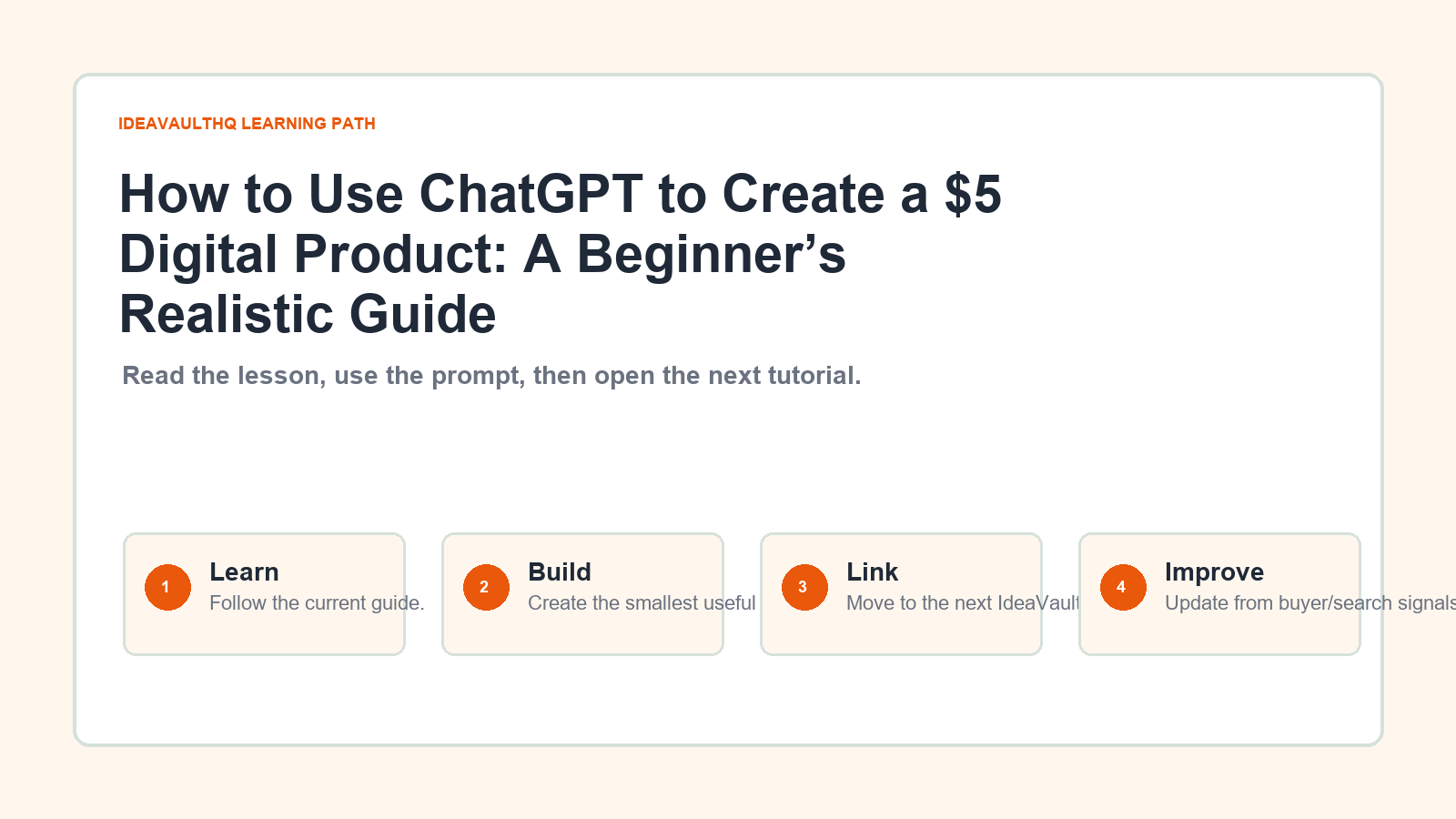
This is the simple path from idea to first-dollar proof for How to Use ChatGPT to Create a $5 Digital Product.
Best starting angle: tools and templates angle.
Continue Learning On IdeaVaultHQ
This guide is part of the IdeaVaultHQ Template School path. Use the links below to keep moving instead of stopping on one article.
Leave a Reply