IdeaVaultHQ Template School
How To Research Etsy Digital Product Ideas Step By Step
This tutorial teaches you how to research Etsy digital product ideas before you design anything. You will choose a niche, collect search terms, study listings without copying them, score ideas, and pick one product that a beginner can actually build.
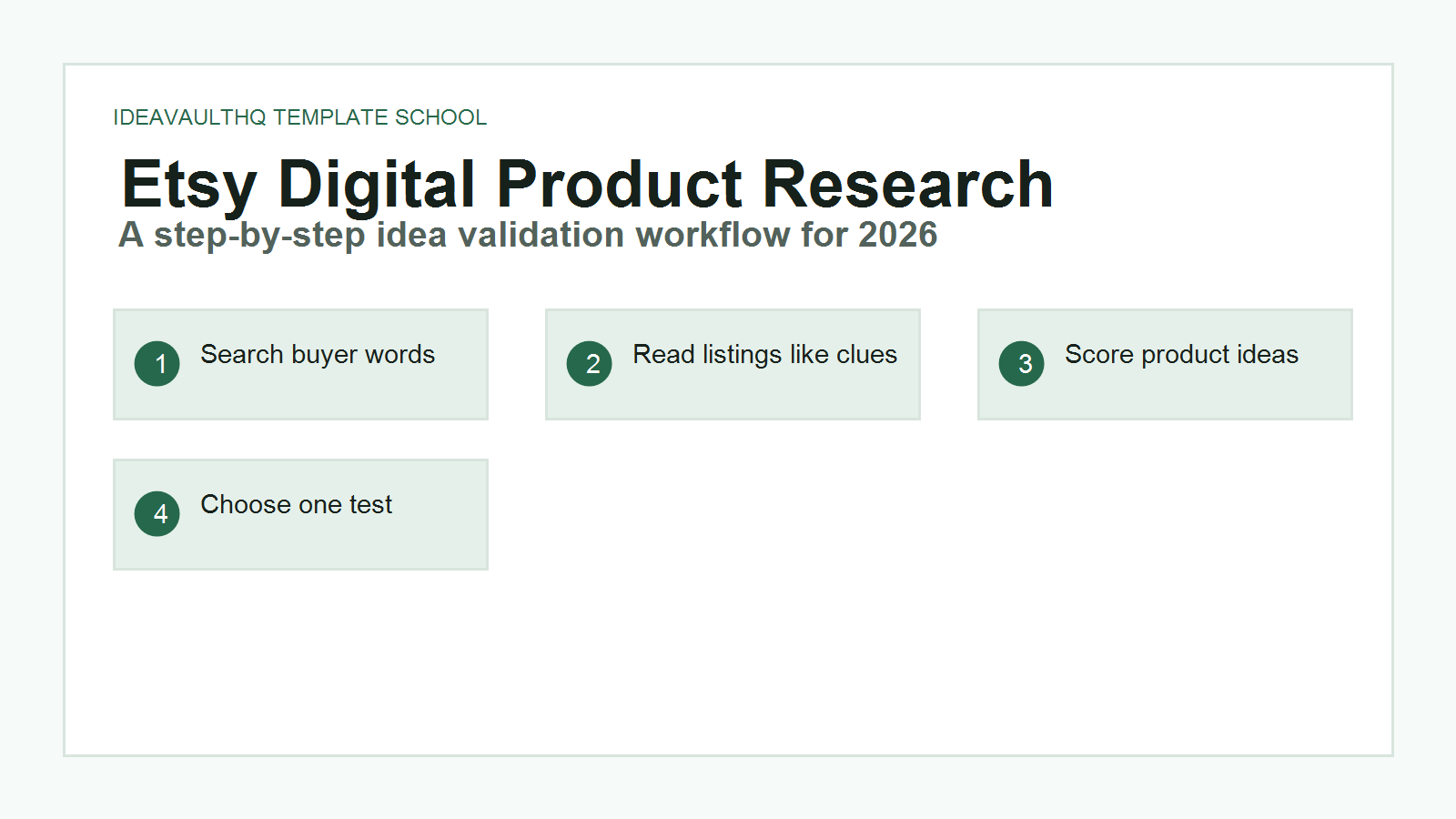
Quick answer: The best way to research Etsy digital product ideas is to start with one broad niche, use Etsy search suggestions and listing pages to collect buyer language, look for repeated product formats, score each idea by demand and difficulty, then choose one specific product you can make originally. Do not begin by asking “what sells the most?” Begin by asking “what buyer problem can I understand well enough to solve with a simple digital file?”
Etsy Product Research Workflow
Step 1: Set Up Your Research Sheet
Open Google Sheets, Excel, Notion, or a plain notebook. Create columns named search phrase, buyer problem, product type, repeated words, page or file ideas, price range, competition notes, originality angle, and score. This sheet is your filter. Without it, Etsy research turns into scrolling. With it, every listing becomes a clue you can compare.
Do not make the sheet complicated. A beginner needs enough structure to slow down and think. The goal is not to scrape hundreds of listings or guess exact sales numbers. The goal is to notice patterns: what buyers call the product, what screenshots explain the product, what problems show up again and again, and where there may be room for a clearer beginner version.
Create a separate notes area called “ideas I will not copy.” When you see a good listing, write down the lesson, not the design. For example, write “first image explains what is included” instead of copying the headline. Write “buyers seem to want paycheck budgeting, not just monthly budgeting” instead of copying page titles exactly. This habit keeps your research ethical and gives your product a better chance to be original.
Step 2: Pick One Broad Niche, Not A Random Product
Start with a broad niche that has real buyer behavior. Good beginner niches include budgeting, wedding planning, teacher organization, small business operations, cleaning businesses, fitness tracking, meal planning, job searching, real estate organization, and social media content planning. These niches work because buyers already understand the pain. They are trying to organize a task, save time, look professional, or reduce stress.
Do not start with “digital products” as the niche. That is too broad. A digital product is a format, not a buyer. “Budgeting for people paid every two weeks” is a buyer problem. “Cleaning business quote forms” is a buyer problem. “Instagram templates for hairstylists” is a buyer problem. The more clearly you can picture the buyer, the easier it is to research, design, title, and explain the product.
For this tutorial, imagine you choose the budgeting niche. Your first search should not be clever. Type simple buyer phrases into Etsy: budget planner, paycheck budget, monthly budget printable, debt payoff tracker, savings challenge, bill tracker, and Canva budget planner. Write each phrase in your sheet. Leave space under each phrase for observations.
Step 3: Use Etsy Search Suggestions Like A Beginner Buyer
Go to Etsy and click into the search bar. Type the first few words of your niche phrase slowly. Watch what Etsy suggests. If you type “budget planner,” you may see related phrasing around printable, digital, spreadsheet, binder, paycheck, or debt payoff depending on current buyer behavior and Etsy’s suggestions. Write useful suggestions into your sheet exactly as search phrases, then later rewrite your interpretation in your own words.
Search suggestions matter because they show the language buyers are likely using. A beginner often wants to name a product something creative, but buyers usually search in plain words. A listing title like “The Calm Money Reset System” might sound nice, but a buyer searching Etsy may type “paycheck budget planner printable.” Your research should bridge those two worlds: clear buyer search language plus a product angle that feels human and different.
Run at least five searches. For each one, glance at the first page of results. Do not obsess over ranking. Look for repeated wording and repeated formats. Are most products printable PDFs, editable Canva templates, spreadsheets, Notion templates, or bundles? Are the images showing covers, page previews, mockups, or instructions? These repeated choices tell you what buyers expect to understand quickly.
Step 4: Read Listing Images Before Listing Descriptions
Click a few listings, but study the images before reading the description. Etsy is visual. The first image has to explain the product fast. Write down what the first image communicates. Does it show the product cover? Does it say editable? Does it show the number of pages? Does it mention instant download? Does it show page previews? Does it make the product feel simple or overwhelming?
This is where many beginners find product ideas. If every listing has beautiful mockups but the actual pages are hard to inspect, you might create a clearer product with honest page previews. If many listings include 80 pages, you might create a smaller “starter” version for buyers who want less complexity. If many listings focus on monthly planning, you might focus on paycheck-by-paycheck budgeting.
Again, do not copy the image layout. Extract the lesson. A lesson might be “buyers need to see what is included.” Another lesson might be “the product format must be obvious.” Another might be “simple labels beat decorative clutter.” Those lessons can guide your own original visuals later.
Step 5: Record Product Formats And File Types
For each promising search phrase, write down the product formats you see. Etsy digital products can include PDFs, Canva template links, spreadsheets, printable pages, SVGs, patterns, planners, digital stickers, workbooks, and more, depending on the category. Etsy’s help pages explain that digital listings are files buyers download, and the listing should make it clear what the buyer receives.
For beginner template creators, the easiest formats to start with are Canva templates, printable PDFs, Google Sheets templates, and simple instruction PDFs. These formats do not require advanced coding or software. They still require care. A messy PDF is not valuable just because it is digital. A Canva template is not original just because you changed colors. The product format should match the buyer’s problem.
In your research sheet, add one line for each product format you notice. Example: “paycheck budget spreadsheet,” “editable Canva budget planner,” “printable debt payoff tracker,” “savings challenge bundle.” Then add a difficulty note. A printable tracker may be easier than a spreadsheet with formulas. A Canva planner may be easier than a full digital planner with hyperlinks. Choose a format you can finish and support.
Step 6: Score Each Idea Before You Fall In Love With It
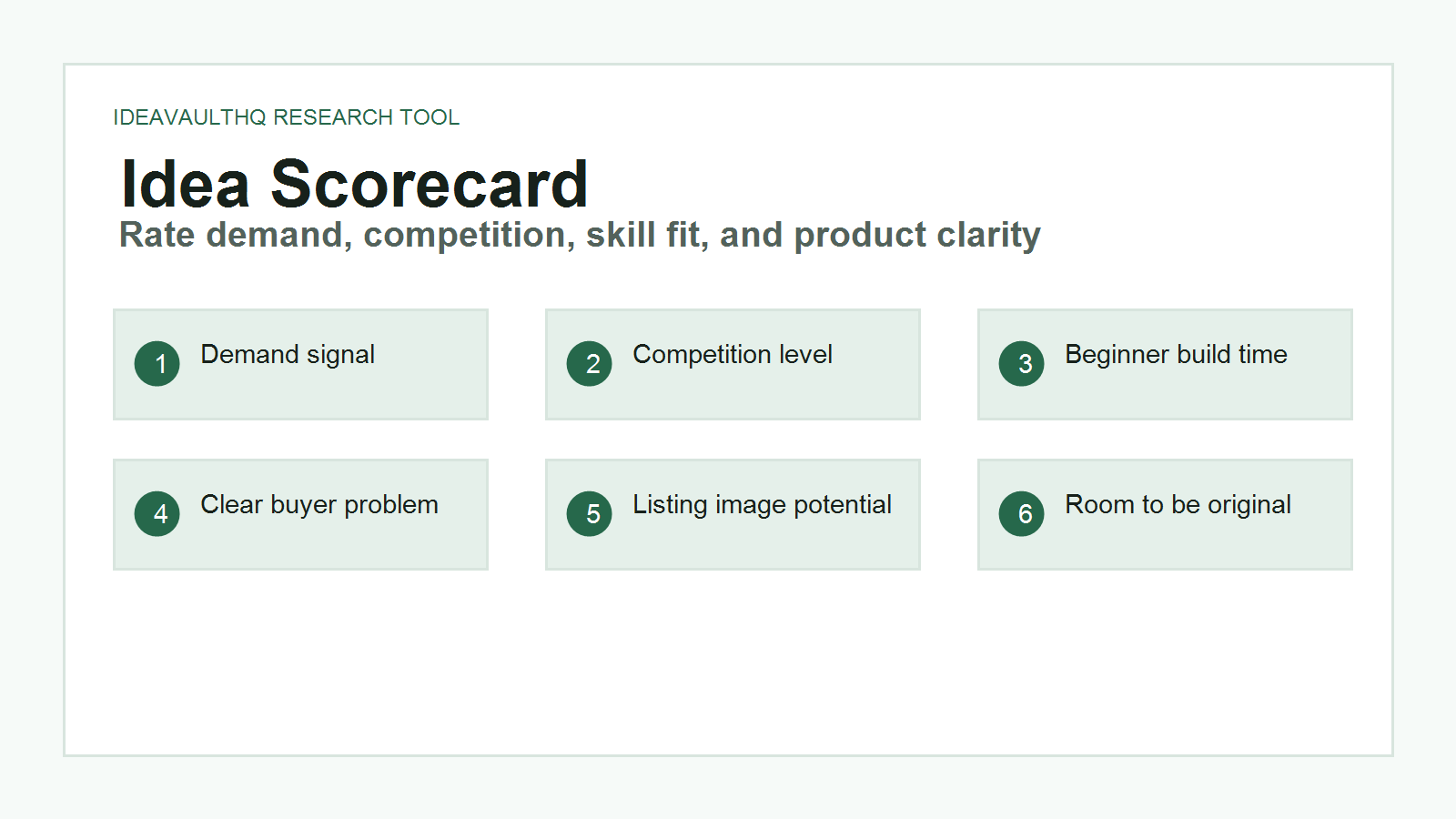
Now score your ideas from 1 to 5 in six areas: demand signal, buyer clarity, build difficulty, competition level, originality room, and listing image potential. Demand signal means you see repeated search phrases and listings. Buyer clarity means you can explain who the buyer is. Build difficulty means you can make the product without getting stuck for weeks. Competition level means you understand how crowded the idea looks. Originality room means you can make a version with a distinct audience, structure, or use case. Listing image potential means you can show the value visually.
A good beginner idea does not need a perfect score. It needs a balanced score. An idea with high demand and impossible difficulty is not your first product. An idea with low competition but no clear buyer may be a trap. An idea with clear buyer language, medium competition, and a simple build path is often better than a flashy trend.
For example, “budget planner” is broad and competitive. “Editable paycheck budget planner for beginners paid biweekly” is narrower and easier to explain. “Debt payoff tracker for people using the snowball method” is also clearer. “Small business cleaning quote template” may be even more specific because the buyer has a business task and wants a professional-looking document quickly.
Step 7: Look For A Beginner-Friendly Gap
A gap does not mean nobody is selling the product. On Etsy, a total absence of listings may mean there is no demand. A useful gap often means buyers have options, but many options are confusing, too large, too decorative, too expensive, too advanced, or not specific enough. Your job is to find the version a beginner can understand and use.
Ask three questions: What is the simplest version of this product? Who is being ignored by the current listings? What would make the first image easier to understand? If the niche is budgeting, maybe the ignored buyer is someone who gets paid every two weeks. If the niche is job searching, maybe the ignored buyer is someone applying to retail or entry-level office jobs. If the niche is Etsy selling, maybe the ignored buyer is someone who needs a listing checklist, not a giant business planner.
Write one gap statement. Example: “Many budget planners look polished, but beginners may need a smaller paycheck-based planner with plain labels and fewer pages.” This statement becomes your product brief.
Step 8: Check If The Product Can Be Shown Clearly In Five Images
Before choosing an idea, imagine the Etsy listing images. Can you show the product in five clear images? Image one: what it is. Image two: what is included. Image three: page or screen previews. Image four: how it works. Image five: who it is for or what problem it solves. If you cannot show the value visually, the product may be hard to sell on Etsy.
This is why templates work well. A buyer can see the pages. A Canva template can show before-and-after customization. A spreadsheet can show tabs and dashboards. A checklist can show sections. A mini-course outline can show modules and workbook pages. The more concrete the product looks, the easier it is for a beginner seller to explain.
In your sheet, give each idea a listing image score. If you can picture five images quickly, score it high. If the product feels abstract, score it lower or rewrite the idea until it becomes more visual.
Step 9: Use ChatGPT As A Research Assistant, Not A Copy Machine
After you collect your notes, use ChatGPT to organize them. Do not paste another seller’s full listing and ask for a copy. Instead, paste your own observations. Ask ChatGPT to group buyer problems, suggest original angles, and identify which ideas are easiest for a beginner to build. This keeps the tool working for your thinking instead of replacing it with generic output.
A good prompt might say: “Here are my Etsy research notes. Help me identify three beginner-friendly product ideas, explain the buyer problem for each, and suggest how I can make each one original.” The best responses will help you clarify the idea, not hand you a finished copy of someone else’s product.
Remember that AI can confidently suggest ideas that are too broad, too crowded, or not allowed by platform rules. You are still responsible for checking the product, making something original, and following Etsy and Canva rules.
Step 10: Choose One Product And Write A Product Brief
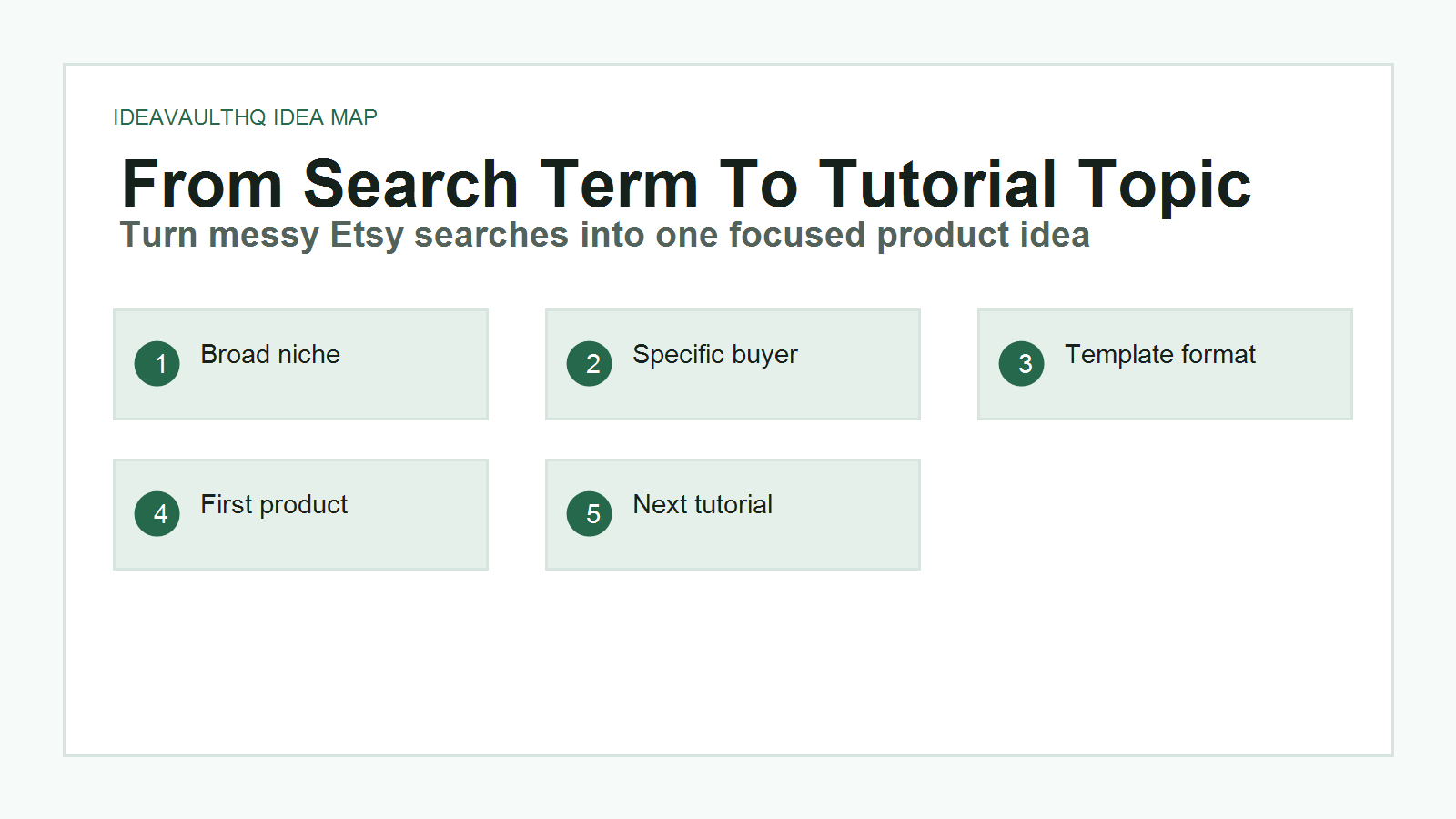
Pick one idea from your scorecard. Then write a simple product brief before opening Canva, Google Sheets, or any design tool. The brief should include the product name, buyer, problem, format, included pages or files, visual style, price test range, listing image plan, and originality angle. This brief is the bridge between research and creation.
Example brief: “Product: Editable paycheck budget planner template. Buyer: beginners paid every two weeks who want to stop guessing where money goes. Problem: monthly budgets feel too broad. Format: Canva template plus printable PDF. Included pages: paycheck planner, bill tracker, expense log, debt payoff tracker, savings goal, monthly review, instructions. Style: calm green, simple labels, plenty of white space. Original angle: plain-English budget planner for people who feel intimidated by finance spreadsheets.”
If your brief feels fuzzy, do not design yet. Go back to research. A clear brief saves hours because every design decision has a reason.
Step 11: Save Ideas You Are Not Building Yet
Good research often produces more than one idea. Do not throw the extras away. Create a second tab called “later ideas.” Add the ideas that looked interesting but were too difficult, too crowded, or not clear enough for your first product. These later ideas can become future tutorials, product bundles, or blog posts.
This is how a website like IdeaVaultHQ can keep visitors moving. One research tutorial leads to one build tutorial, then one Etsy listing tutorial, then one SEO tutorial, then one improvement tutorial. The reader stays because the path is visible. Your own product research can work the same way: one product becomes a cluster of related lessons and improvements.
Step 12: Know When Research Is Finished
Research is finished when you can answer five questions without guessing: Who is the buyer? What problem are they trying to solve? What format do they expect? What will make your version original? What are the first five listing images? If you cannot answer those questions, keep researching. If you can answer them, stop researching and start building.
The biggest beginner mistake is using research to avoid creating. You do not need perfect certainty. You need enough evidence to make one focused product. Etsy rewards clear listings and useful products over endless planning. Your first product is a test, not your final identity as a seller.
Beginner Research Checklist
- Create a research sheet with search phrase, buyer problem, format, repeated words, originality angle, and score.
- Pick one broad niche before searching.
- Collect at least 10 Etsy search phrases or suggestions.
- Open five to eight listings and study the images first.
- Write lessons in your own words instead of copying designs or descriptions.
- Score each idea for demand, clarity, difficulty, competition, originality room, and visual potential.
- Choose one product and write a product brief before designing.
Idea Scorecard Example
| Idea | Buyer Problem | Beginner Difficulty | Original Angle |
|---|---|---|---|
| Paycheck budget planner | Monthly planning feels too broad. | Medium | Plain-English planner for biweekly paychecks. |
| Cleaning quote template | Small service sellers need professional quotes. | Low | Editable Canva quote form plus follow-up message. |
| Job search tracker | Applicants lose track of applications and follow-ups. | Low | Google Sheets tracker for entry-level job seekers. |
| Etsy listing checklist | New sellers forget images, tags, and file instructions. | Low | One-page launch checklist for digital product sellers. |
Copy-Paste ChatGPT Prompt
Use this after you collect your own Etsy observations.
You are my Etsy digital product research assistant. I am a beginner and I want to choose one original digital product idea before I design anything.

Here are my research notes:
[paste your Etsy search phrases, repeated words, product formats, buyer problems, and listing image observations]

Help me:
1. Group the ideas by buyer problem.
2. Identify the 5 clearest product ideas.
3. Score each idea from 1-5 for demand signal, buyer clarity, beginner difficulty, competition, originality room, and listing image potential.
4. Recommend one beginner-friendly idea to build first.
5. Write a product brief for that idea.

Rules:
- Do not copy any Etsy listing.
- Do not promise income or sales.
- Make the idea specific enough for one beginner product.
- Suggest an original angle based on the buyer problem.
Current Sources Checked For This Tutorial
Next Tutorials To Read
Continue Learning On IdeaVaultHQ
This guide is part of the IdeaVaultHQ Template School path. Use the links below to keep moving instead of stopping on one article.
Leave a Reply to How to Use ChatGPT to Create a $5 Digital Product: A Beginner’s Realistic Guide – IdeaVaultHQ Cancel reply